
Play! With Izuna
admin
0
(0 votes)
Live2d simulator that can be enjoyed in two scenes.
Control:
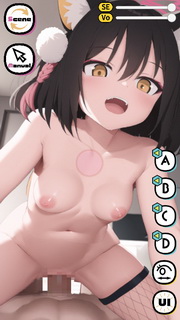
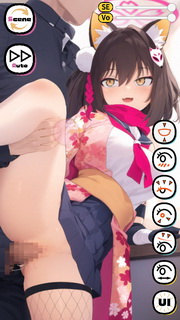
■ You can control the line of sight by dragging the pink object (eye line controller) in the center.
■ Gaze button (yellow) → Toggle display/hide of gaze controller.
■ UI button (yellow) → Toggle display/hide of general UI.
■ SE, Vo slider (top right of the screen) → Adjust the volume of sound effects (SE) and voice (Vo).
■ Mode change button (pink) → Auto mode/manual mode switching.
■ Scene change button (pink) → Scene switching.
Auto mode:
■ Motion A, B, C, D buttons (light blue) → Play each motion.
Manual mode:
■ Character moves by dragging the screen.
■ Parameter change button (light blue) → Change model parameters using slider (expression, etc.)
📸 Screenshots
Rate this Game
Tags:
#Animation